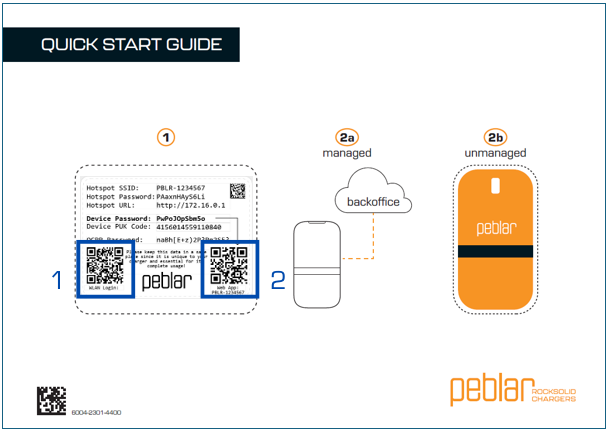
1. Connect to the network
On the quick start guide you'll find a label with login credentials.
- Scan the WLAN Login QR code and immediately connect to the WiFi network.
- Or on your device (phone, tablet, laptop), go to networks, and find the network of the charger (e.g. PBLR-1234567)
- Connect with the network using the credentials from the label on the quick start guide.
2. Scan the QR code
When connected, open your browser on your device and:
- Type in the local IP address 172.16.0.1 into your browser.
3. Login
Log in to the web interface by using the device password